 How-to
9 Reasons Your Trading Card Sleeves Look Cloudy Over Time
Last Updated: November 8, 2026
Quick Summary
Cloudy sleeves usually come from moisture, most often humidity or condensation that works into the plastic and scatters light. Check where the haze sits and when it appeared, since outside haze near walls or windows points to ambient humidity while inside haze points to trapped moisture. Keeping storage temperature and humidity stable helps prevent it.
- Haze on the outside, worst facing a wall or window, points to ambient humidity condensing on the plastic.
- Seal a cloudy sleeve with a silica gel packet for 24 to 48 hours to test whether moisture is the cause.
- Store cards in a stable room and avoid basements, garages, and attics that swing widely in humidity.
- Never dry a hazy sleeve with a hair dryer or direct sun, since rapid heat can make the cloudiness permanent.
- Replace a sleeve if the haze does not come off after gentle cleaning.
Table of Contents
- Why Trading Card Sleeves Turn Cloudy Over Time
- Moisture and Humidity: The Most Common Cause
- Temperature Changes and Storage Conditions
- Sleeve Material, Thickness, and Surface Texture
- Finger Oils, Dust, and Residue Buildup
- Why Pokemon Cards Stick to Sleeves and What to Do
- How to Clean Trading Card Sleeves Safely
- Trading Card Sleeve Maintenance and Replacing Cloudy Sleeves
- Frequently Asked Questions
Why Trading Card Sleeves Turn Cloudy Over Time
Cloudy trading card sleeves are one of the most common complaints collectors raise. This guide walks you through the most common causes of cloudy sleeves so you can find and fix the problem. Most cloudiness comes from a small set of causes, and you can check for each one.
Start with the sleeve itself. Ask whether the haze sits on the inside surface, the outside surface, or both. Then ask when it first showed up. A sleeve that clouded within weeks points to a different cause than one that clouded after several years in a binder.
Work through the causes below in order. The first one covers the most common problem.
Moisture and Humidity: The Most Common Cause
Moisture is the most likely reason a sleeve turns hazy, but the mechanism matters because it tells you whether the problem is in the air, in the sleeve, or on the card. For a guide to safely protecting and storing thicker card holders, see thicker card holders. Plastic sleeves are not perfectly sealed against water vapor. Over weeks and months, water molecules work into the plastic and collect on the surface, and when the air around the sleeve cools, that vapor condenses into microscopic droplets. Those droplets scatter light instead of letting it pass straight through, which is why a hazy sleeve looks milky or foggy rather than wet.
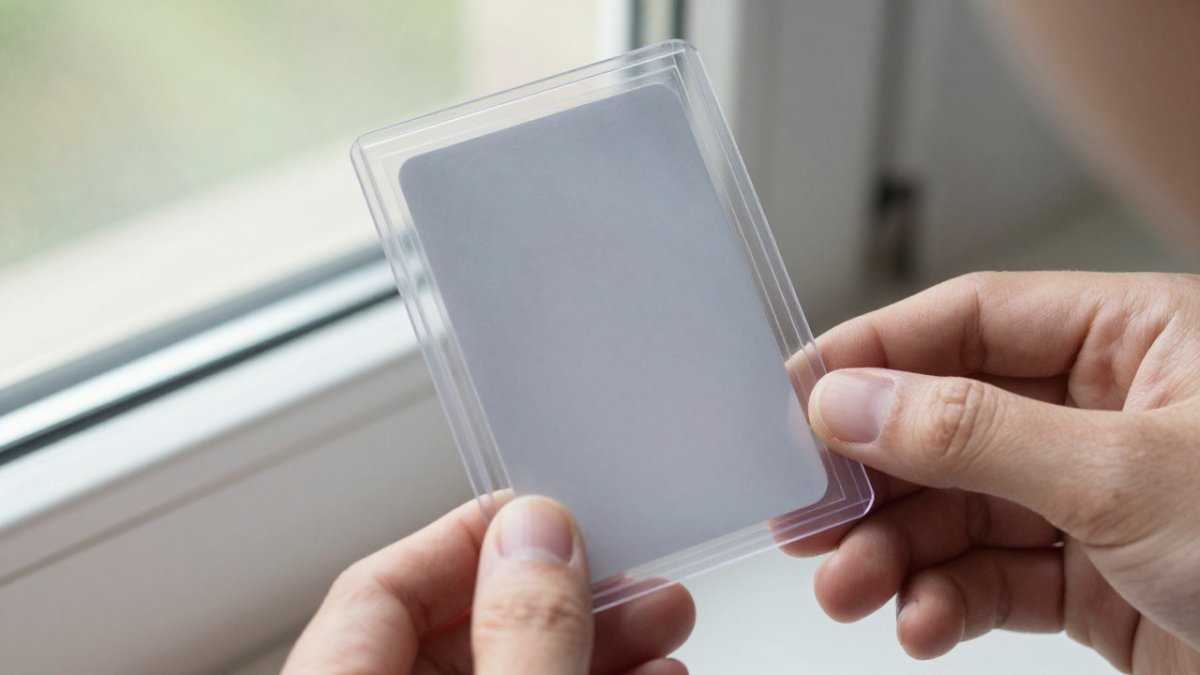
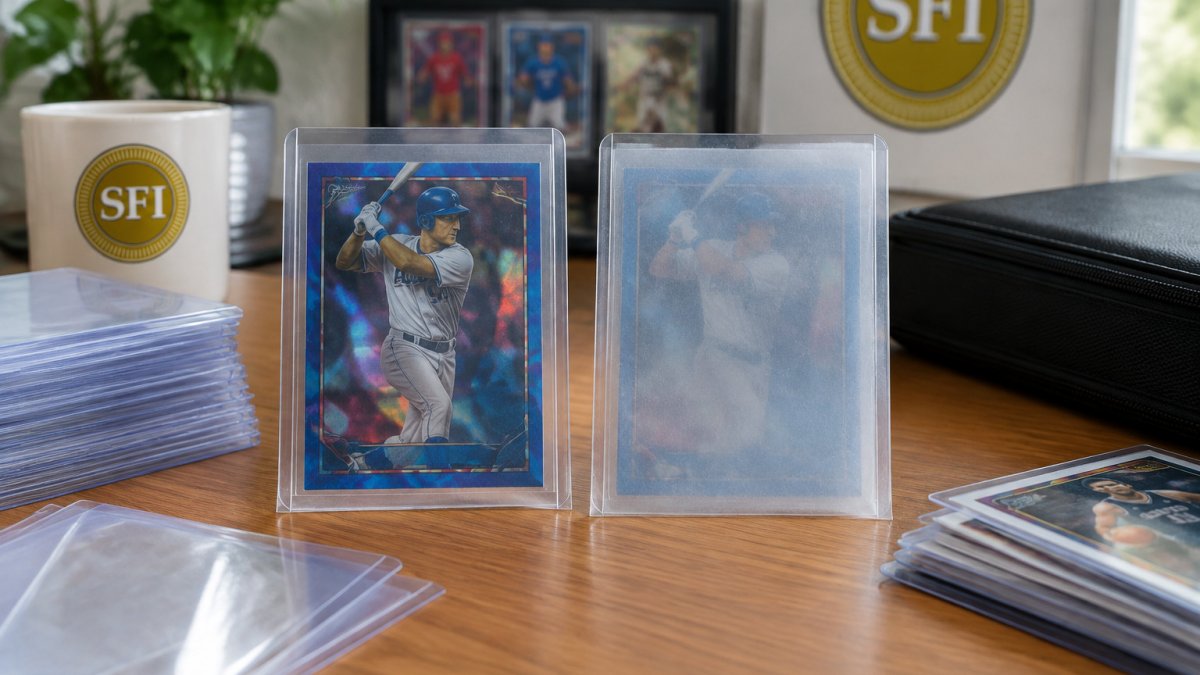
The pattern of the haze is your first diagnostic clue:
- Haze on the outside of the sleeve, worst on the side facing a wall, window, or floor, points to ambient humidity condensing on the plastic.
- Haze on the inside, especially near the opening or flap, points to moisture that entered with the card or was trapped when the sleeve was sealed.
- Haze that appears only after a temperature drop, then fades when the room warms, is condensation rather than permanent surface damage.
- Haze that is uniform across the whole sleeve and does not change with the weather is more likely a material or manufacturing issue than moisture.
A simple field test: seal the cloudy sleeve in a zip-top bag with a fresh silica gel packet for 24 to 48 hours, then compare it to an untreated sleeve from the same batch. If the haze clears or fades, moisture was the driver. If it looks identical, move on to the material and residue checks below.
For storage, aim for stable conditions rather than a single perfect number. Stable conditions help prevent the condensation cycle, and a room that avoids large swings in temperature and humidity is the goal. A cheap hygrometer placed next to the collection is more useful than guesswork. Avoid basements and garages, which swing widely in humidity.
Watch out: do not try to dry a hazy sleeve with a hair dryer or by leaving it in direct sun. Rapid heat can warp the plastic and make the cloudiness permanent.
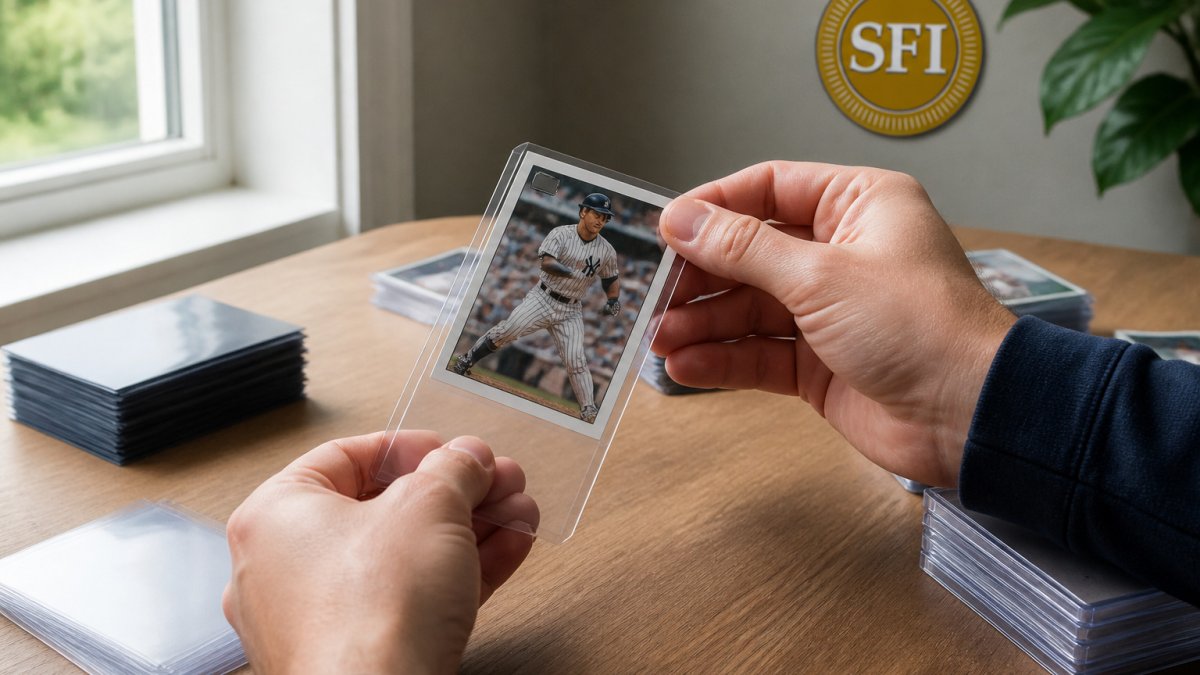
!Close-up of a collector's hands holding a clear trading card sleeve up to a window, showing a faintly hazy surface beside a clear sleeve
The article's diagnostic clues for haze point to different causes, and each one has a different pattern.
| Haze pattern | Likely cause | Next step |
|---|---|---|
| Outside, worst facing a wall or window | Ambient humidity condensing on plastic | Check room humidity with a hygrometer |
| Inside, near the opening or flap | Moisture trapped with card or at sealing | Test with silica gel for 24-48 hours |
| Appears after a temperature drop, fades when warm | Condensation, not permanent damage | Keep storage temperature stable |
| Uniform, unchanged by weather | Material or manufacturing issue | Compare against an untreated sleeve from the same batch |
Temperature Changes and Storage Conditions
Big swings in temperature can also make sleeves look cloudy. A box that sits in a hot car or near a heater goes through cycles of warming and cooling. Over time, that movement can leave a dull film on the plastic.
Storage conditions matter as much as temperature. Some habits to avoid:
- Storing cards in attics or garages with no climate control
- Leaving binders against exterior walls
- Keeping cards in direct sunlight
Consistent, moderate conditions are the goal. Store sleeves in the same stable room year-round when you can.
Sleeve Material, Thickness, and Surface Texture
Not all sleeves are made the same way. Sleeves vary in thickness, clarity, and surface finish, and a thin sleeve with a rough texture can look hazy from the start.
When you compare sleeves, check:
- Thickness, which affects how stiff and clear the plastic feels
- Surface finish, since rough texture scatters light and looks cloudy
- Fit, because a loose sleeve can rub and scuff over time
A sleeve that looked clear out of the pack but turned hazy quickly may simply be a lower-quality material.
Finger Oils, Dust, and Residue Buildup
Hands leave oils behind, and dust settles on surfaces over time. Both can build a film on the sleeve that makes it look cloudy. This is common with sleeves that get handled often, like trade binder pages.
To limit buildup:
- Hold cards by the edges
- Wash your hands before sorting
- Keep binders closed when you are not using them
Residue on the outside of a sleeve is usually easy to remove. Residue on the inside is harder and may point to a contamination issue.
Why Pokemon Cards Stick to Sleeves and What to Do
Some collectors notice that Pokemon cards and other glossy cards stick inside sleeves. Sticking can happen when moisture, static, or a smooth foil surface brings the card and sleeve close together. Sticking can also cause small marks on the card, which is why it matters.
If cards stick, try these steps:
- Let the sleeve and card dry out in a cool, dry room
- Slide the card out slowly by the edges
- Check the card surface for marks before you put it back
If sticking keeps happening with new sleeves, the problem may be the sleeve material or the storage conditions rather than the card.
How to Clean Trading Card Sleeves Safely
Cleaning can remove surface film, but the method has to match the residue. Finger oils, dust, and plasticizer film each respond differently, and the wrong approach can scratch the plastic or drive residue onto the card. Work outside the sleeve first, and only clean a sleeve you intend to keep using.
Identify the residue before you touch it:
- Oily sheen that smears when you rub it: finger oils or handling residue.
- White, powdery film: dust mixed with plasticizer that has migrated to the surface.
- Sticky patches near the opening: adhesive residue from tape, labels, or a resealable flap that has aged.
- Haze that will not wipe off at all: surface micro-scratches or material degradation, which cleaning cannot fix.
Safe cleaning steps for the outside of a sleeve:
- Remove the card and set it aside in a clean, dry tray or on a fresh sleeve.
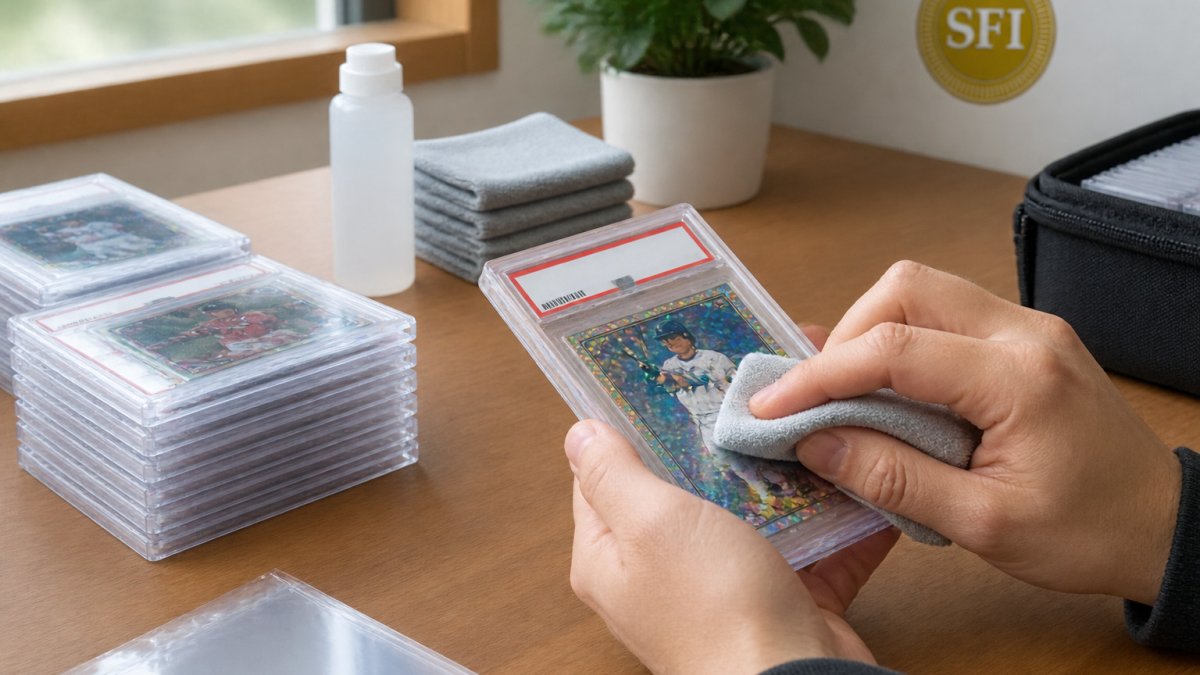
- Wipe the sleeve with a soft, dry microfiber cloth using light pressure in one direction. Microfiber lifts dust without abrading the plastic.
- For oily film, dampen a corner of the microfiber with a small amount of plain, lukewarm water and wipe again. Distilled water avoids mineral spots.
- Dry the sleeve completely in open air before it goes near a card. Any trapped moisture will recreate the haze you just removed.
For the inside of a sleeve, cleaning is rarely worth the risk. The inside surface is harder to reach, and wiping it can leave lint or push residue onto the card. If the inside is hazy, replace the sleeve instead.
What not to use: alcohol-based cleaners, acetone, household glass or surface sprays, paper towels, tissues, and abrasive cloths. Alcohol and solvents can damage plastic, and paper products shed fibers that can scratch.
Watch out: never clean a sleeve while a card is inside it. Water and cleaner can wick under the card edge and stain or warp the card surface.
If a sleeve still looks hazy after a dry wipe and a distilled-water pass, the cloudiness is in the plastic, not on it. At that point, replacement is the only reliable fix, and the next section covers when to do it.
Trading Card Sleeve Maintenance and Replacing Cloudy Sleeves
Good maintenance keeps your cards protected and your sleeves looking clear. Check your collection on a regular schedule, and keep storage spots dry, stable, and out of direct sun.
Replace a sleeve when:
- The haze does not come off after gentle cleaning
- The surface feels rough or sticky
- The sleeve no longer fits snugly around the card
- The card inside shows marks or wear
For a snug, clear fit, explore our graded card slab sleeves, top-loader sleeves, and magnetic card case sleeves. Our team at Superior Fit Sleeves is here to help you choose the right sleeve for your collection.
Protecting your cards starts with the right sleeve. Browse Superior Fit Sleeves for precision-cut, crystal-clear protection that keeps your collection looking its best.
Frequently Asked Questions
Why do trading card sleeves turn cloudy over time?
Cloudiness usually develops when sleeves are exposed to moisture, humidity swings, heat, or contact with finger oils and dust. Some plastics also show haze as they age or if a batch has a surface defect. Checking where and how the sleeves are stored is the fastest way to narrow down the cause. Keeping sleeves in a stable, dry environment away from direct sunlight slows the process considerably.
Do cloudy sleeves damage trading cards?
Cloudiness itself is mainly a visual problem, but the conditions that cause it can affect the card. Trapped moisture can contribute to surface issues, and residue left on the sleeve can transfer to the card over long periods. Inspect the card under good light after removing it. If the surface looks clean and the card is flat, it is usually safe to keep it in the sleeve while you address the source of the haze.
How do I clean trading card sleeves without damaging the cards?
Remove the card first and store it somewhere safe. Wipe the sleeve gently with a soft, dry microfiber cloth to remove dust and loose debris. Avoid harsh solvents, alcohol-based cleaners, or abrasive materials, since these can scratch or further cloud the plastic. If haze remains after cleaning, the sleeve material may be the cause, and replacing it is the more reliable fix.
Should I replace cloudy trading card sleeves?
Replace cloudy sleeves if the haze stays after gentle cleaning, if the surface feels tacky, or if the sleeve has become warped or loose. Sleeves that look clear when new but cloud within a short period often point to a material or manufacturing issue. Replacing them protects the card and restores clear viewing. Buy from a provider that publishes its material details and current pricing on its website, since costs vary with quantity and delivery.