 blog
Are Card Savers Worth It for Trading Cards?
Last Updated: November 6, 2026
Quick Summary
Card savers are worth it for trading cards you care about, especially those handled often, because a snug fit limits sliding and rubbing that cause wear. The right choice depends on how the card is stored and how often it is handled. Measure your cards, check for a resealable flap, and confirm the clarity before buying in bulk.
- Top loaders are more rigid and suit stored raw cards; card savers suit cards handled regularly.
- Card savers generally take up less space than top loaders, which matters for larger collections.
- Measure your cards first, since standard cards and graded slabs use different dimensions.
- Look for a resealable flap and acid-free, archival-grade material if cards will sit for years.
- Buy a small test batch first and try a few sleeves on your most valuable cards.
Table of Contents
- Card Saver vs Top Loader: What Actually Differs
- How to Choose Among the Best Card Savers for Trading Cards
- Side-by-Side Comparison of Cleanup and Protection Methods
- Clear Sleeves for Graded Card Slabs: Fit, Clarity and Flap Design
- How to Display Trading Cards Professionally
- Building Your Own Quality-Check Routine Before You Buy in Bulk
- Frequently Asked Questions
Card savers protect trading cards from the scuffs, bends and surface wear that build up over years of handling, and most serious collectors eventually ask whether they are worth the cost. At Superior Fit Sleeves, we make tapered, crystal-clear sleeves for graded slabs and top loaders, so we see the question from the protection side every day. The short answer is yes for cards you care about, but the right choice depends on how the card is stored and how often it is handled.
Card Saver vs Top Loader: What Actually Differs
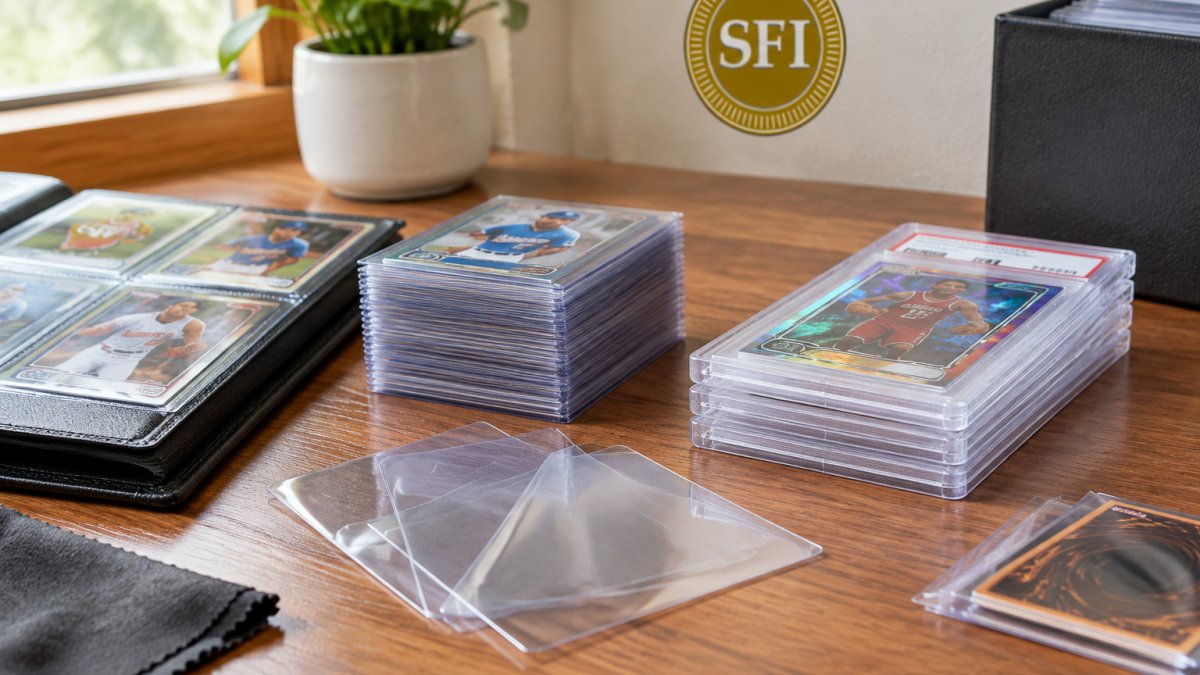
A card saver is a thin, flexible sleeve that holds a card in a snug fit, while a top loader is a rigid plastic holder that adds a hard shell around it. Both keep a card clean, but they do different jobs. Collectors who handle cards often reach for savers first, and collectors who store cards in binders or boxes often prefer top loaders for extra structure. For stored raw cards, Top-Loader Sleeves are one option to consider.
Protection Level and Rigidity
Top loaders are more rigid than sleeves because their hard walls take the pressure. Card savers offer less rigidity but a closer fit, which limits the card sliding and rubbing inside the holder. For a raw card that will sit on a shelf, a top loader is usually the stronger choice.
Pick the rigidity that matches the card. A thick graded slab or a heavy relic card needs a sturdier holder than a common base card.
Cost, Storage and Handling
Card savers generally take up less space than top loaders, which matters when a collection runs into the hundreds. Top loaders make a stack bulkier, so they suit cards you want to display or protect from pressure in a box.
If you plan to store cards long term, check whether the material is archival grade and acid-free before you commit. Materials that yellow or fog over time can damage the card they are meant to protect.
How to Choose Among the Best Card Savers for Trading Cards
Start by sorting your cards by value and by how often you handle them. A short list keeps the decision simple.
- Measure your cards. Standard sports cards and graded slabs use different dimensions. A sleeve sized for one may be loose or tight on the other.
- Match the fit to the card. A snug fit limits movement. A loose sleeve lets the card rub against the edges and wear the surface.
- Check for a resealable flap. A flap lets you remove and return the card without tearing the sleeve. Our tapered flap design is built for that repeated access.
- Confirm the clarity. Cloudy plastic makes a card harder to inspect and can hide the surface condition you are trying to protect.
- Compare the material grade. Look for acid-free, archival-grade construction if the cards will sit for years.
- Buy a small test batch first. Try a few sleeves on your most valuable cards before you buy in bulk.
For graded slabs, a precise fit matters more than for raw cards, because a slab that slides around in a loose case is more likely to take damage at the edges.
Side-by-Side Comparison of Cleanup and Protection Methods
Many collectors clean and protect cards in different ways. The table below compares common approaches so you can see where each one fits.
| Method | Best for | Main strength | Main limitation |
|---|---|---|---|
| Card saver (sleeve) | Frequently handled raw cards | Snug fit, low cost per card | Little rigidity |
| Top loader | Stored raw cards, binder use | Resists bending and pressure | Bulkier, higher cost |
| Graded slab sleeve | Slabbed cards in cases | Precise fit for slab dimensions | Only fits matching slabs |
| Dry wipe before sleeving | Cards with dust or fingerprints | Removes surface grime | Can scratch if done roughly |
A simple cleaning routine, such as wiping the card gently with a soft, dry microfiber cloth before sleeving, removes the dust that causes slow surface wear. Skip liquids on the card itself.
Clear Sleeves for Graded Card Slabs: Fit, Clarity and Flap Design
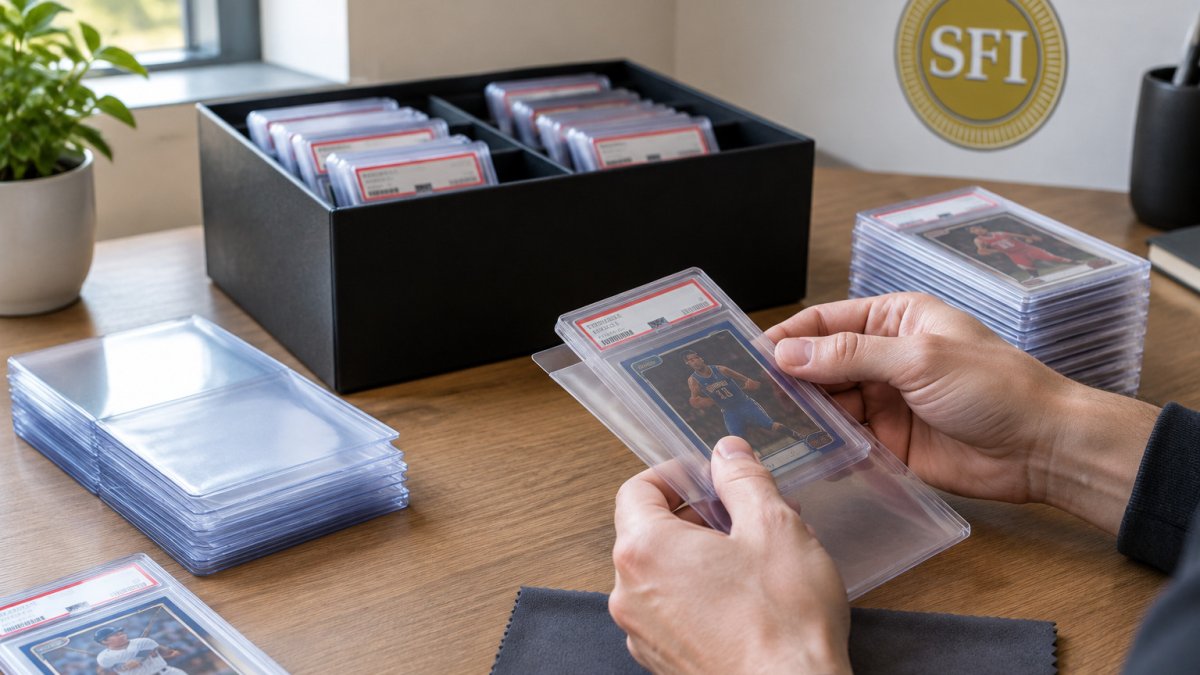
Graded slabs are sealed in their own rigid cases, so the sleeve you choose should fit the case closely without forcing it. Clarity matters here because collectors often want to read the grade label and check the holder through the sleeve.
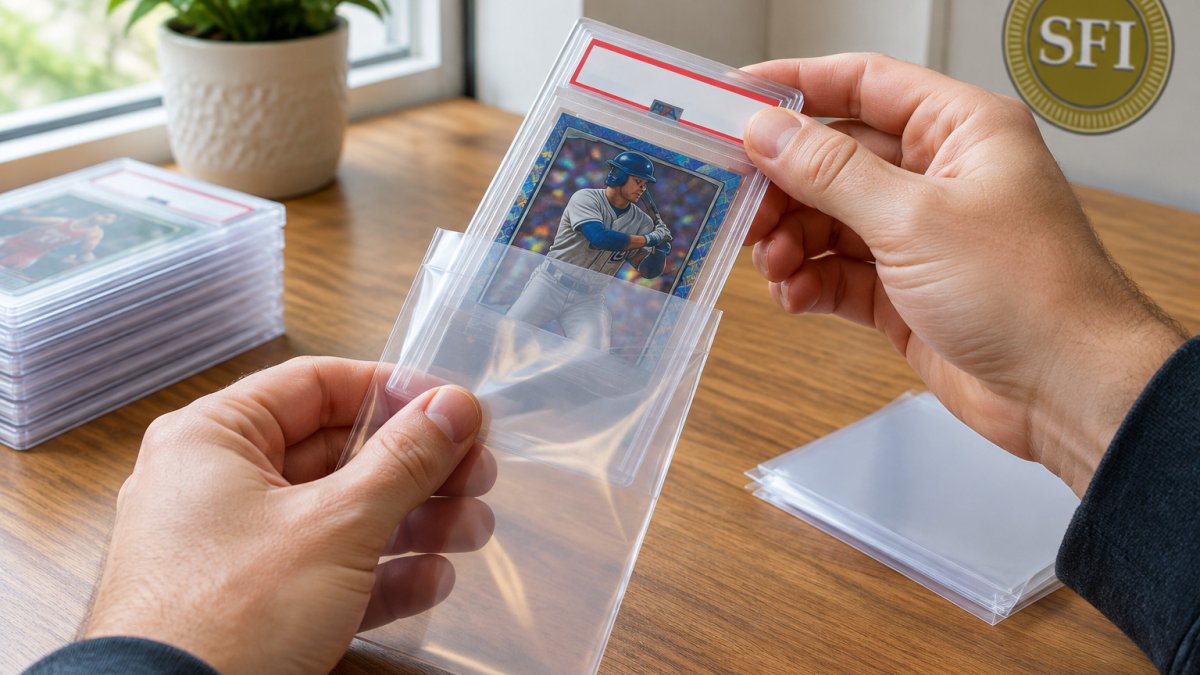
Look for a sleeve made for your specific grading company's case dimensions. You can find Graded Card Slab Sleeves on the Superior Fit Sleeves graded card slab page.
How to Display Trading Cards Professionally
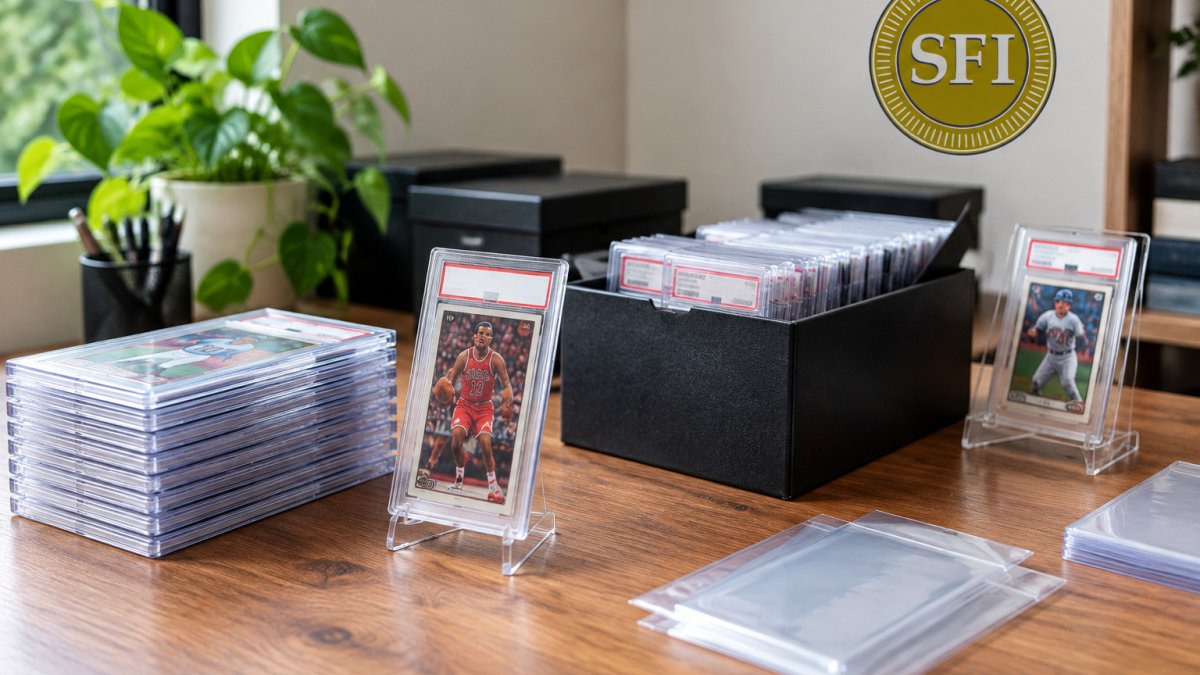
Display choices affect how well cards hold up over time, but they also determine whether the card reads clearly at the distance people actually view it. Most guides stop at "keep it out of sunlight." The harder question is how to match the display surface, the viewing distance, and the lighting to the card so the surface, centering, and grade label stay legible without glare.
Match the Display Surface to the Viewing Distance
A card that looks crisp in hand can look flat or washed out behind glass. The surface you choose changes contrast and sharpness more than most collectors expect.
- Tabletop cases and stands. Best for close viewing at arm's length. Use anti-reflective glass or acrylic; standard glass throws a hot spot from overhead lighting that hides surface scratches.
- Wall frames and shadow boxes. Best for viewing from 3 to 6 feet. Increase the mat border so the card does not compete with the frame edge, and choose a mat color that contrasts with the card border rather than matching it.
- Large-format displays and monitors. When a card image is shown on a screen, the limiting factor is pixel density and color calibration, not the sleeve. Calibrate the monitor to a neutral profile so foil and refractor surfaces do not clip to white.
- Video calls and streaming. A card shown on camera needs even, diffuse front lighting. A single overhead lamp creates a specular highlight on glossy sleeves that reads as a scratch on camera even when the surface is clean.
- Mobile viewing. If buyers or trade partners will inspect the card on a phone, shoot at the highest resolution available and crop tight; small text on grade labels becomes unreadable after compression.
Control Glare and Color Shift
Glare is the most common reason a displayed card looks worse than it is. Position the light source at roughly 45 degrees to the display surface rather than straight on, and use a diffuser so the reflection spreads instead of forming a bright point.
Watch out: direct sunlight through a window fades ink and warps thin cardstock over months, and UV-filtering glass slows that damage but does not stop it. Keep displayed cards out of direct sun entirely rather than relying on the glass.
Keep the Card Readable Through the Holder
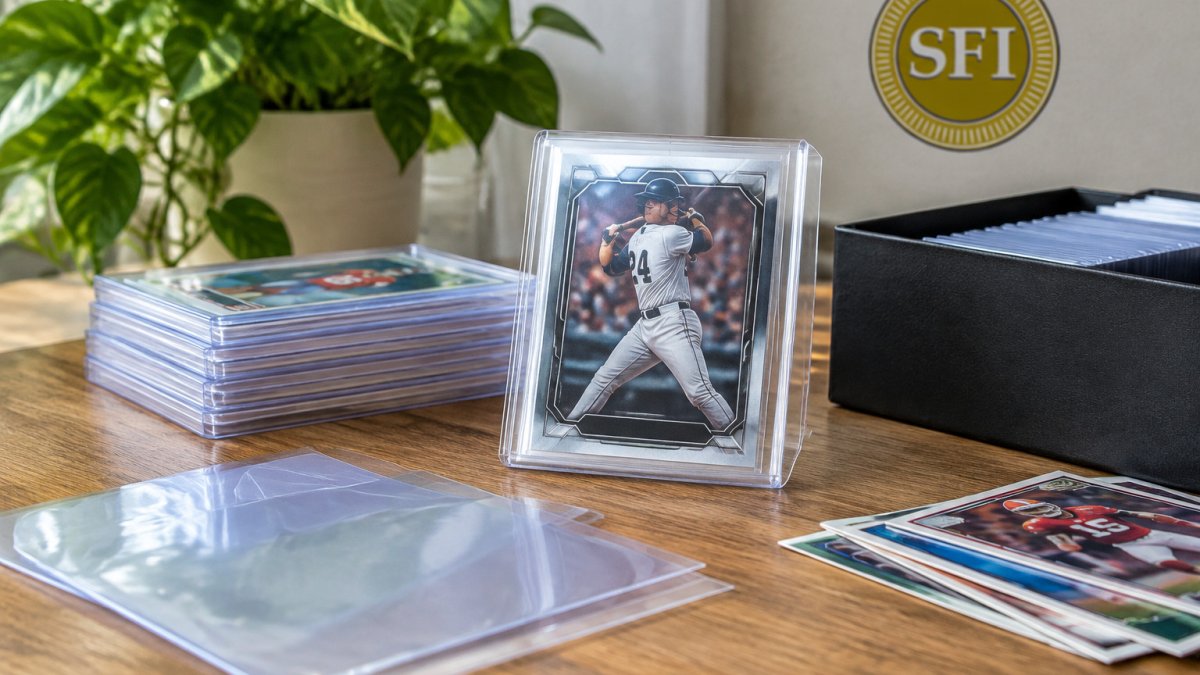
A sleeve or top loader inside the display protects the card while keeping the front clear for viewing. Clarity matters most here: cloudy plastic scatters light and softens the surface detail you are trying to show.
For graded slabs, the sleeve should fit the case closely without forcing it, so the grade label stays readable and the holder does not bow.
Build a Repeatable Display Check
Before a card goes on display, check it under the actual lighting it will live in, at the actual distance people will view it. Look for glare hot spots, color shift between borders, and any surface detail that disappears at viewing distance. If the card is going on camera, check it through the camera preview rather than by eye, since the sensor sees highlights differently than you do.
Building Your Own Quality-Check Routine Before You Buy in Bulk
Before you commit to a large order, build a simple routine you can repeat for every batch. The goal is to replace marketing claims with measurable checks, so you can compare batches objectively and catch problems before they reach your cards.
A Measurable Pre-Purchase Audit
Run every new batch through the same short checklist. Score each item pass or fail rather than "looks fine," so results are comparable across batches.
- Fit test. Slide a sample card or slab into the sleeve. It should seat fully with light pressure and not slide more than a hair's width once seated. A loose fit lets the card rub against the edges; an overly tight fit bows the card or the slab.
- Clarity test. Hold the sleeve against a printed page under normal room light. Text behind the plastic should stay sharp. If the text softens or the plastic looks milky, clarity is below what you want for inspection.
- Flap cycle test. Open and reseal the flap ten times on a single sleeve. The flap should still seat flat and the hinge should not crack or whiten. A flap that fails early will fail on the cards you handle most.
- Edge and seam check. Run a fingertip along the seams. Rough or sharp welds can scuff a card edge on insertion.
- Material check. Confirm the plastic is acid-free and archival grade if cards will sit for years. Materials that yellow or fog over time can damage the card they are meant to protect.
- Batch consistency. Pull five sleeves at random and repeat the fit and clarity tests. Variation within a batch predicts variation across a bulk order.
Write the results down with the batch date so you can compare later shipments against a known baseline.
Accessibility and Legibility Checks
If the sleeved card will be photographed, streamed, or shown on a screen, add a legibility pass. Check contrast between the card border and the sleeve edge, and confirm that grade labels and serial numbers stay readable after the image is compressed for a phone screen.
Watch out: testing only under bright overhead light hides fogging and fine scratches that show up under diffuse light. Check clarity under both a direct lamp and soft room light before you approve a batch.
Track Cards After Sleeving
Inspect a few sleeved cards every few months for fogging, yellowing, or flap wear. If you spot a problem early, you can replace the affected sleeves before the card is harmed.
A short, consistent check takes minutes and tells you far more than marketing claims. Use it to decide whether card savers, top loaders, or graded slab sleeves are worth the cost for your collection, and to hold each new batch to the same standard.
Frequently Asked Questions
What is the difference between a card saver and a top loader?
A top loader is a rigid plastic holder that gives a card firm protection against bending and impact, but it adds bulk and can be harder to store in tight spaces. A card saver is a thinner, flexible sleeve-style holder that keeps the card clean and scratch-free with less thickness. Many collectors use top loaders for shipping and transport and card savers for long-term storage or binders. Choose based on how much rigidity you need and how much space the holder can take up in your collection.
Which card storage supplies provide the clearest display?
Clarity depends on the material and how tightly the holder fits the card. Crystal-clear, distortion-free sleeves that fit closely show the card's surface without visible wrinkles or haze. Check whether a product states its clarity and archival properties, and inspect a sample under good light before buying in quantity. Pricing varies by quantity and delivery, so check the Superior Fit Sleeves website for current prices and product details.
Do card sleeves improve the appearance of cards in a display?
Yes, when the sleeve is clear and fits well. A snug, tailored sleeve keeps edges aligned and prevents the loose movement that causes scuffs and corner wear. Sleeves also keep dust and fingerprints off the surface, so the card looks cleaner under display lighting. A poor-fitting or cloudy sleeve can have the opposite effect, which is why fit and clarity matter more than sleeve thickness alone.